
How Peripherals Reduce IT Support Headaches

The fastest way to reduce day-to-day IT noise isn’t always a major upgrade. Often, it’s standardizing the power and connectivity accessories your users rely on every single day.
IT departments in education, healthcare, enterprise, and government environments face increasing pressure: more devices, tighter budgets, smaller teams, and higher user expectations. Yet a huge percentage of tickets still come down to “small” problems—charging failures, missing adapters, unreliable cables, and inconsistent connections.
The right accessories can prevent repeat issues, reduce downtime, and help your team focus on strategic projects instead of constant troubleshooting.
The Hidden Cost of “Small” IT Problems
Many IT issues don’t come from servers or software—they come from the accessories that make devices usable day-to-day:
- Faulty charging cables and power adapters
- Incompatible USB-C adapters and dongles
- Unreliable HDMI connections in meeting rooms and classrooms
- Network dropouts caused by low-quality cables
- Charging cart bottlenecks (devices not charging overnight)
1. Reliable Charging Accessories Reduce Downtime
Power issues are one of the biggest drivers of repeat help desk tickets. Low-quality chargers and cables can cause slow charging, inconsistent power delivery, overheating, and even port wear over time.
What improves immediately when you standardize charging
- Correct wattage delivery (USB-C PD / laptop charging)
- Fewer “won’t charge” tickets
- Less cable churn and fewer emergency replacements
- More predictable device readiness (especially in shared-device environments)
Product Spotlight: Charging Solutions
Power accessories built for busy environments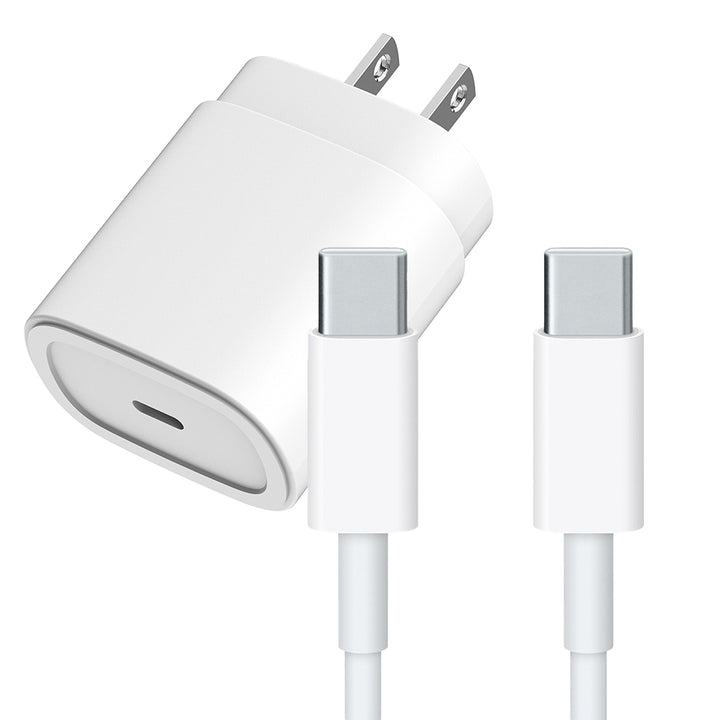
Fast, reliable USB-C charging to keep mobile devices ready and reduce “dead battery” disruptions.

Certified compatibility helps prevent intermittent charging and connection issues common with non-certified cables.

Reduce “wrong charger” issues across mixed fleets—one solution with multiple tips for broad compatibility.
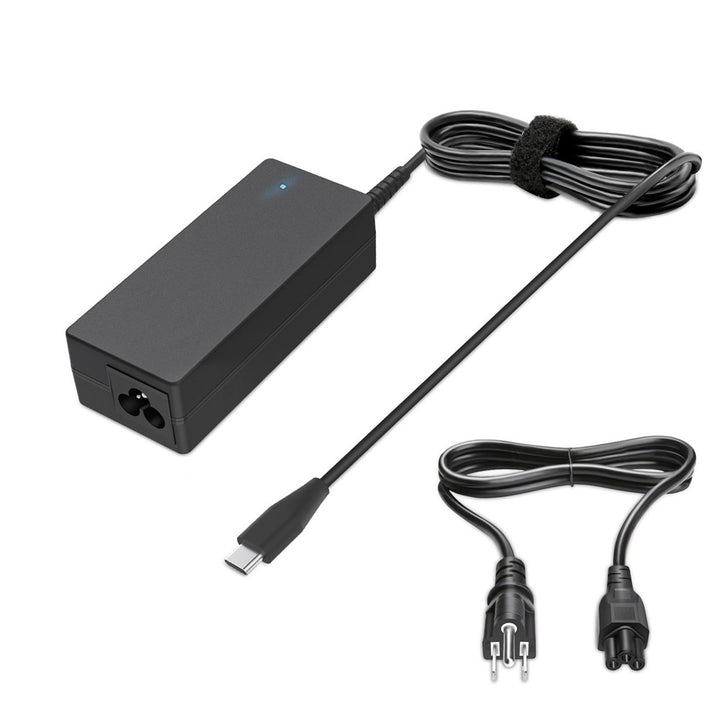
Consistent USB-C power delivery helps keep Chromebooks charged and ready—ideal for classrooms and shared fleets.
2. Standardized Connectivity Minimizes Compatibility Issues
Mixed environments are the norm: USB-C and USB-A, HDMI and DisplayPort, Mac and Windows, wired and wireless. The result? Meeting rooms and classrooms become connection “hotspots” for IT tickets.
Standardizing connectivity accessories helps users plug in and get working without calling IT for rescue:
- USB-C hubs and multiport adapters
- Docking stations for hot desks and shared workspaces
- HDMI adapters and converters for AV compatibility
- Network adapters for stable wired access when WiFi isn’t enough
3. Durable Cables Prevent Repeat Tickets
One of the most common IT frustrations is replacing the same broken cable repeatedly. Low-quality cables can cause signal drops, slow data transfer, or intermittent connections that users report as “random” problems.
Commercial-grade cables reduce:
- Fraying and connector wear
- Intermittent power/signal issues
- Device downtime caused by “simple” failures
4. Charging Carts & Organized Power Solutions Reduce Device Chaos
In education and enterprise environments, charging carts can become daily IT pain points: devices not charging overnight, cable chaos, overloaded power, and inconsistent readiness. The right charging infrastructure turns shared-device management from reactive to reliable.
What improves when cart charging is standardized
- More devices fully charged and ready at shift start / first bell
- Fewer “this cart isn’t charging” escalations
- Less manual inspection and troubleshooting time
- More predictable fleet uptime
Product Spotlight: Charging Carts & Cabinets
Organize, secure, and charge at scale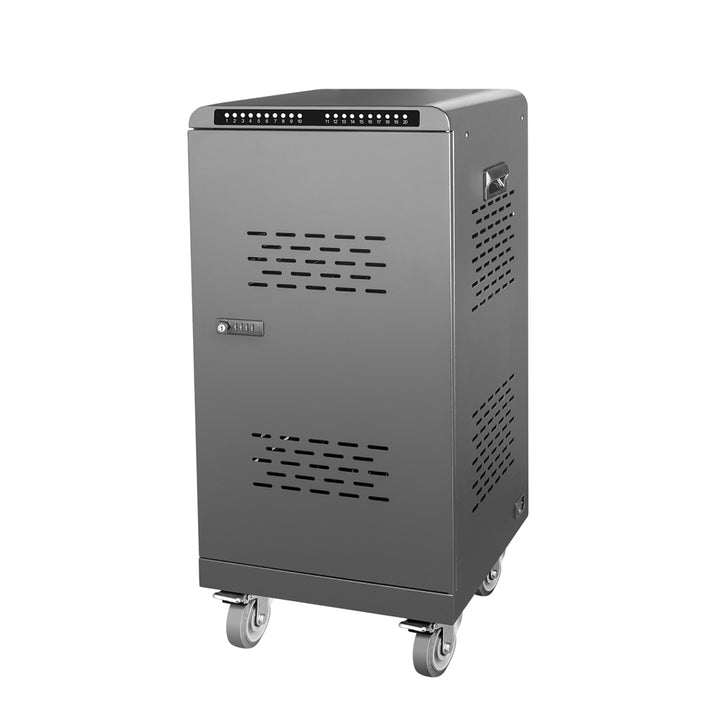
Charge multiple USB-C devices in one secure, organized station—great for classrooms, labs, and shared fleets.
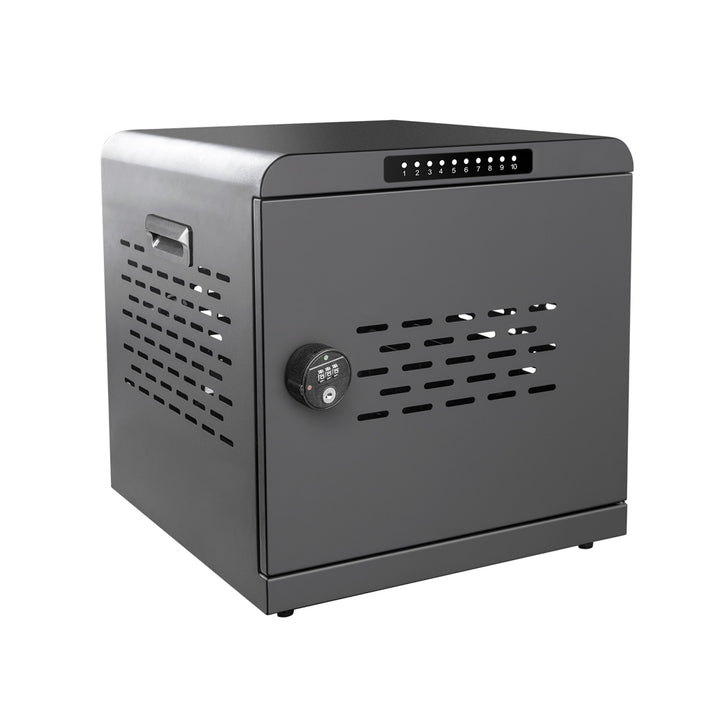
A compact, secure charging cabinet for smaller device sets—ideal for offices, clinics, or departmental checkout.
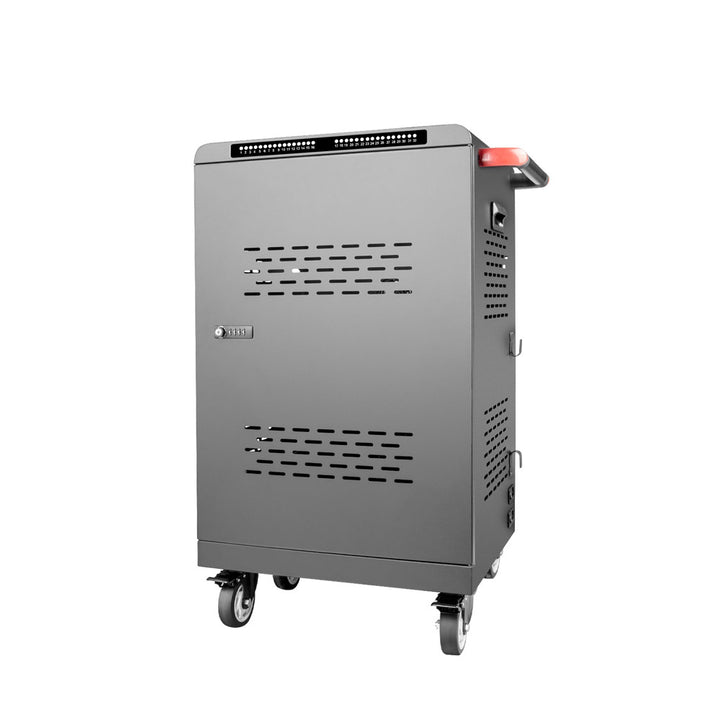
High-capacity USB-C charging for larger fleets—keep more devices charged overnight with organized storage.
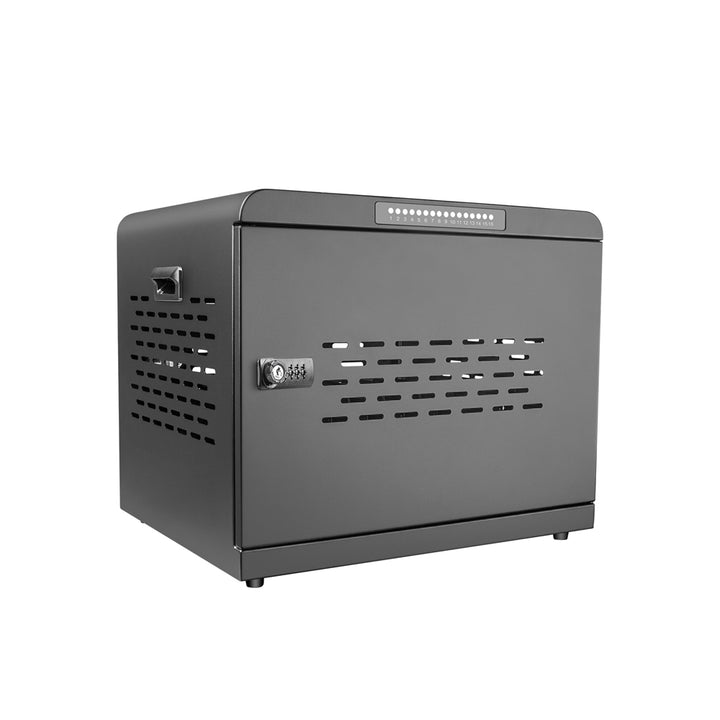
Secure mid-size charging and storage—helps reduce cable mess and ensures devices return charged and ready.
5. Fewer Emergency Purchases = Lower Operational Stress
When accessories fail unexpectedly, IT teams are forced into reactive mode: urgent replacements, rush shipping, inconsistent compatibility, and a constant stream of one-off fixes.
Standardizing reliable power and connectivity accessories reduces surprises, improves uptime, and makes inventory planning much easier.
Supporting Hybrid & Multi-Device Work Environments
BYOD policies, hot desks, and flexible workspaces are now common. Reliable charging and connectivity accessories help users get productive fast—without turning every meeting into a support request.
The Long-Term ROI of Reliable Accessories
Accessories aren’t “small purchases”—they’re preventative IT strategy. When organizations standardize commercial-grade solutions:
- Device readiness improves
- Ticket volume decreases
- Downtime drops
- User satisfaction rises
Trusted by


