
Do All USB-C Cables Charge the Same?

Do All USB-C Cables Charge the Same?
Understanding why some USB-C cables charge faster, work better, and last longer than others.
USB-C has quickly become the standard charging port for phones, laptops, tablets, and many other devices. Because most USB-C cables look nearly identical, many people assume they all perform the same.
In reality, USB-C cables can vary significantly in how fast they charge devices and what they’re capable of doing. Using the wrong cable may lead to slow charging, devices that won’t charge properly, or accessories that don’t work at all.
Understanding the differences can help you choose the right cable for your devices and avoid everyday charging frustrations.
Not All USB-C Cables Deliver the Same Power
One of the biggest differences between USB-C cables is how much power they can carry, often measured in watts (W).
Some USB-C cables only support lower power levels, typically around 15–18 watts, which is enough for small devices like smartphones or wireless earbuds.
Other cables are designed for higher power delivery, including:
- 60W cables – Common for tablets, smaller laptops, and fast charging phones
- 100W+ cables – Used for larger laptops and high-performance devices with USB-C Power Delivery
If you try to charge a laptop with a low-power cable designed for phones, the device may charge very slowly—or not at all.

Some USB-C Cables Do More Than Just Charge
Another reason USB-C cables differ is that they can support different functions.
Some cables are designed mainly for charging, while others can also handle data transfer or video output.
- Charging cables – Primarily deliver power to your device
- Data cables – Transfer files between devices
- Full-feature cables – Support charging, data transfer, and video output
If you connect a monitor or external drive using a cable that only supports charging, it may not work properly even though the connectors fit.
Cable Quality Makes a Big Difference
Two cables may look identical on the outside but have very different internal construction.
Higher-quality cables typically include better internal wiring, shielding, and connectors that allow them to safely deliver higher power and maintain consistent performance.
Lower-quality cables may cause problems such as:
- Slow or inconsistent charging
- Devices disconnecting unexpectedly
- Excess heat during charging
Some cables are also certified by organizations like USB-IF to ensure they meet USB standards for safety and performance.
Cable Length Can Affect Charging Speed
The length of a cable can also impact how well it performs.
Longer cables can sometimes experience greater electrical resistance, which may slightly reduce the amount of power reaching your device. This is why shorter cables often charge devices more efficiently.
Well-built longer cables can still deliver reliable charging if they are designed for higher wattage and quality power delivery.
Why Your Device May Say “Charging Slowly”
If you’ve ever seen a message like “Charging Slowly” on your device, the cable could be one of the reasons.
Slow charging may happen when:
- The cable supports lower wattage than your device requires
- The power adapter doesn’t deliver enough power
- The cable isn’t designed for high-power charging
- The cable isn’t compatible with your device’s charging standard
How to Choose the Right USB-C Cable
When selecting a USB-C cable, it helps to look beyond the connector and check the specifications.
Consider these factors:
- Supported wattage – Look for 60W or 100W cables depending on your device
- Power Delivery compatibility – Enables faster and more efficient charging
- Data transfer capability – Important for external drives and accessories
- Build quality – Durable connectors and reinforced cables last longer
| Cable Type | Typical Power Support | Data Transfer | Video Support | Common Uses |
|---|---|---|---|---|
| Basic Charging Cable | 15W – 18W | Limited or none | No | Phones, small devices |
| Standard USB-C Cable | Up to 60W | USB 2.0 or USB 3 | Sometimes | Phones, tablets, light laptop charging |
| USB-C Power Delivery Cable | 60W – 100W+ | USB 3+ speeds | Often supported | Laptops, fast charging devices |
| Full-Featured USB-C Cable | 100W – 240W | High speed (10–40Gbps) | Yes | Docking stations, monitors |
| Thunderbolt / USB4 Cable | Up to 100W | Up to 40Gbps | Yes (dual 4K) | High-performance laptops |
The Bottom Line
While USB-C cables may look the same, they are not all built the same. Differences in wattage support, functionality, build quality, and length can affect how well they charge your devices and how reliably they perform.
Using the right cable ensures your devices charge efficiently, work with accessories properly, and avoid common charging issues.
When in doubt, selecting a cable designed for your device’s power requirements can save time, frustration, and potential hardware problems down the road.
Explore Reliable Charging & Connectivity Solutions
High-quality cables can make a real difference in performance and reliability.
Recommended 4XEM USB-C Cables
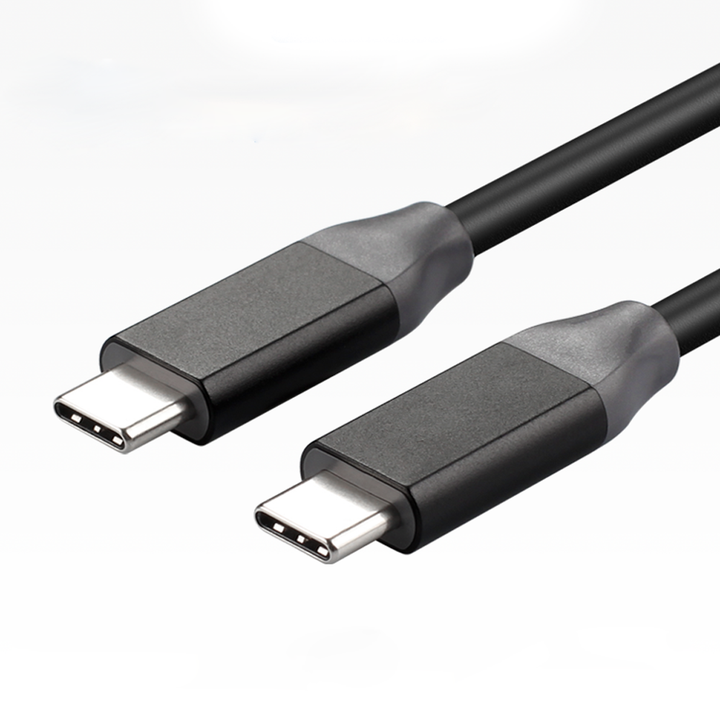
USB-C Cable - 480MBPS + 60W
Browse Product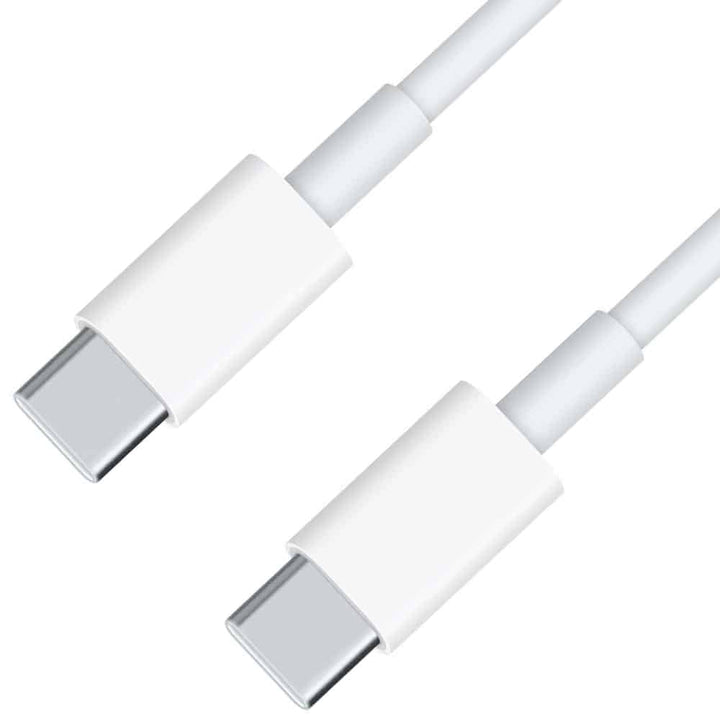
USB-C 3.1 Gen 2 - 10GBPS + 100W
Browse Product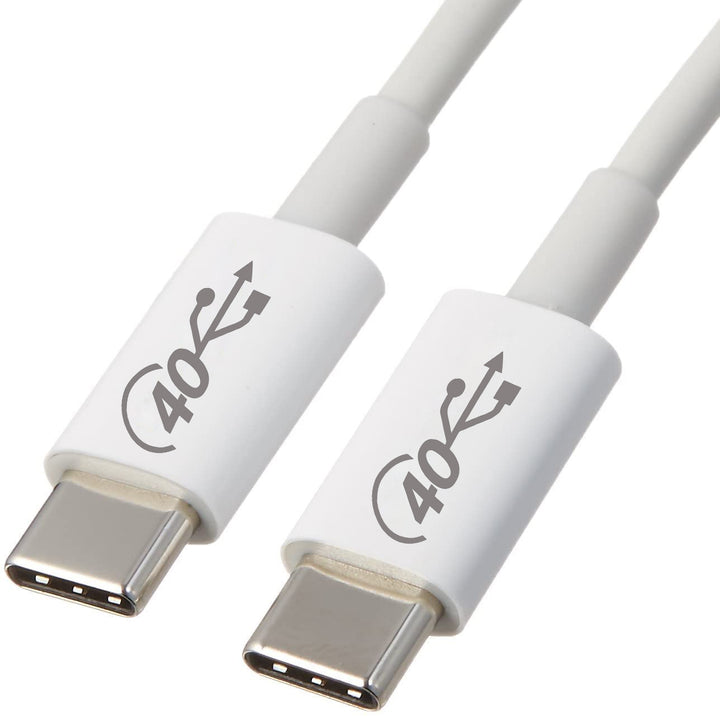
USB-C 4.0 - 40GBPS + 100W
Browse Product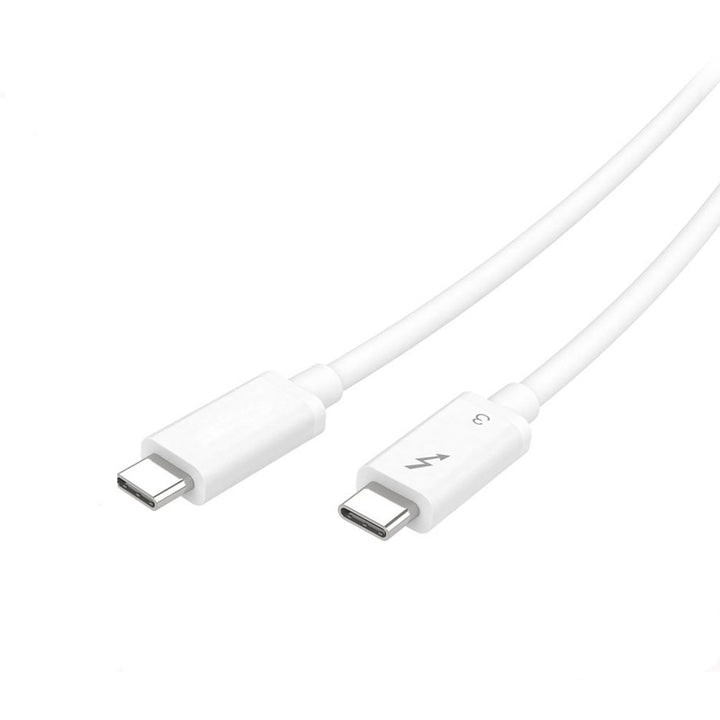
Thunderbolt3 Compatible - 4K Video + 100W
Browse ProductTrusted by


